
This guide will walk you through the steps of setting up your email on an iPad or iPhone.
1. Open the Settings app.
2. Tap Mail.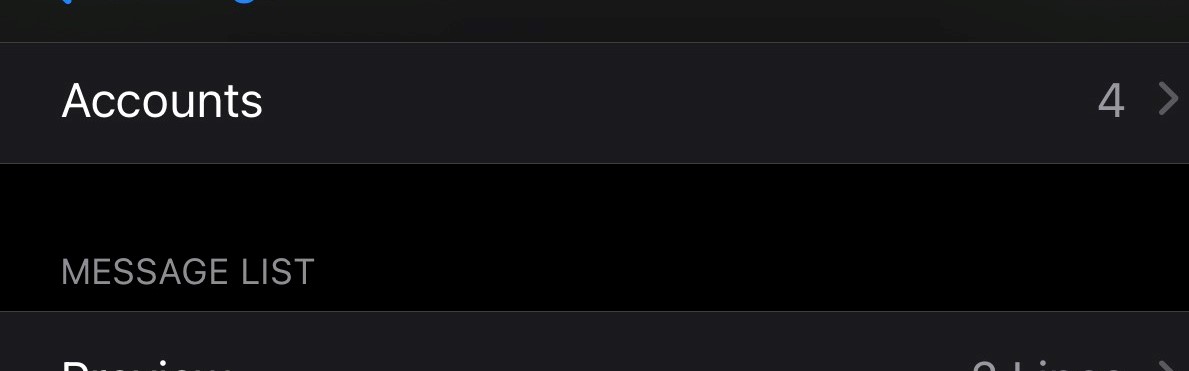
3. Tap Add Account.
4. Tap Microsoft Exchange.
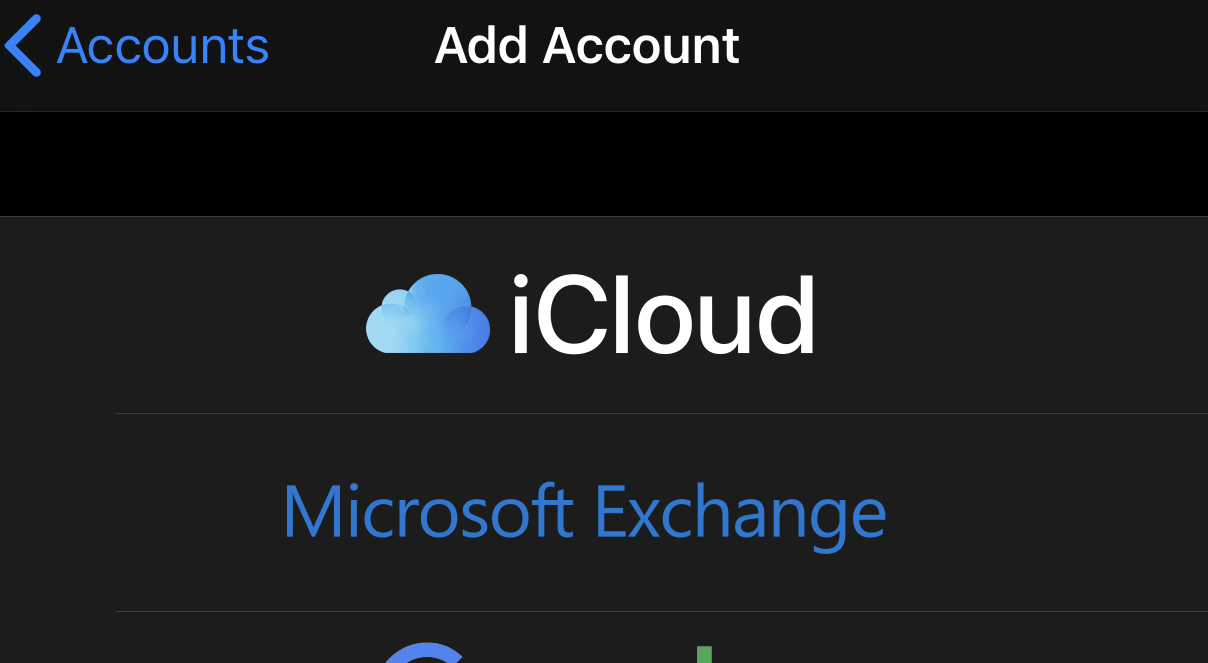
5. Enter your Exchange account information
- Email Address
- Tap NEXT
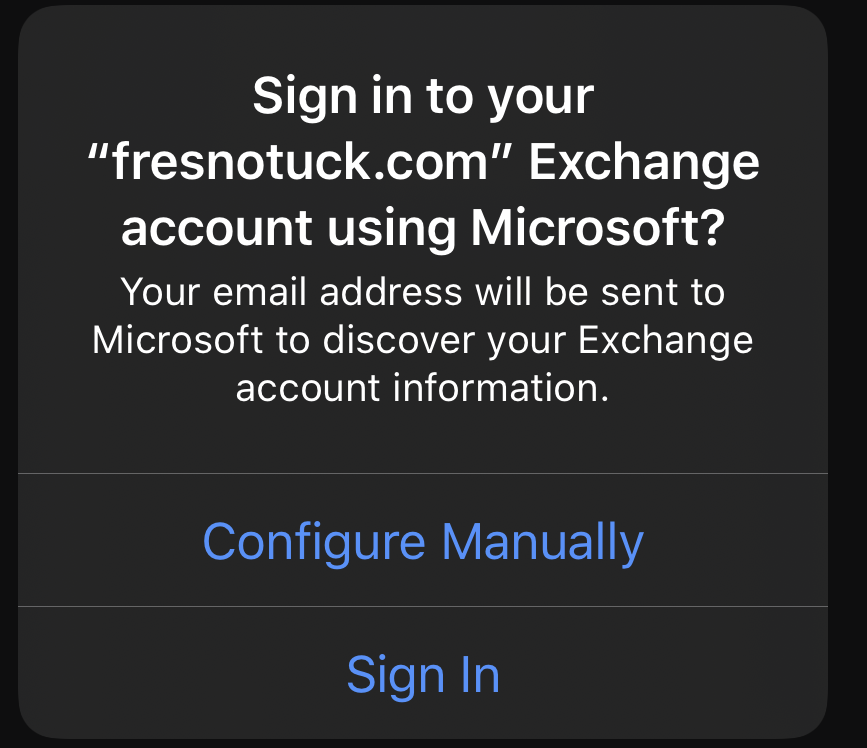
- Tap Configure Manually
6. Enter your Password
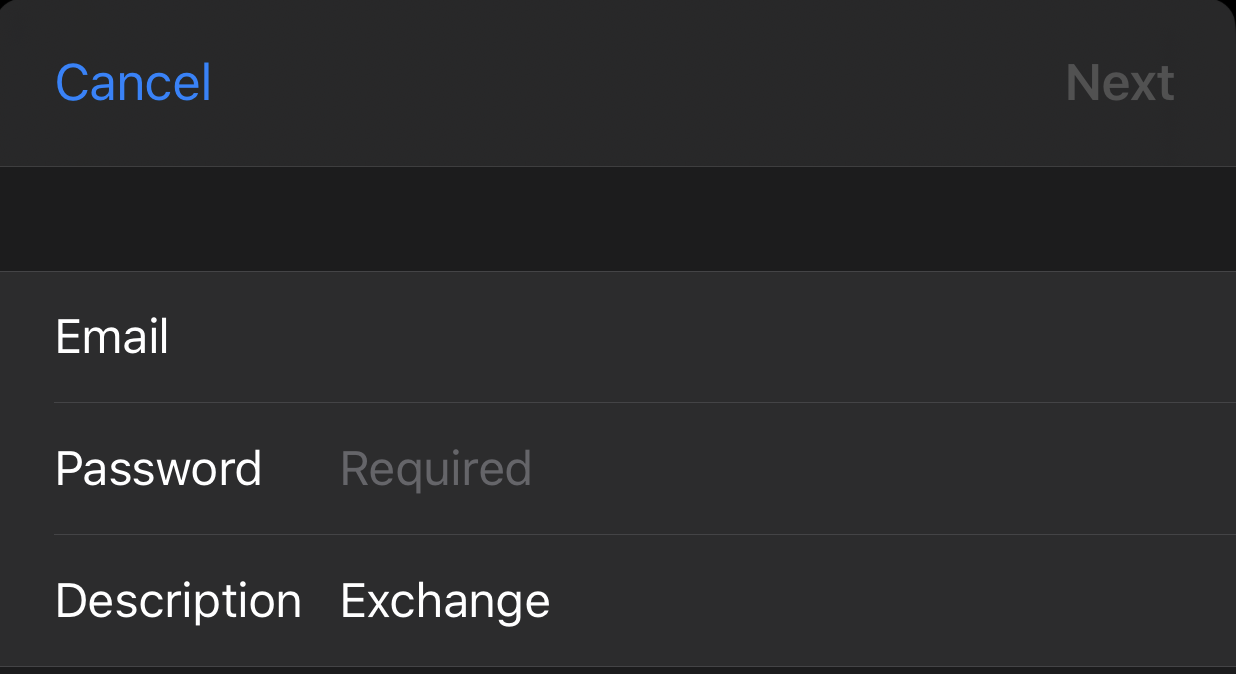
7. Tap Next.
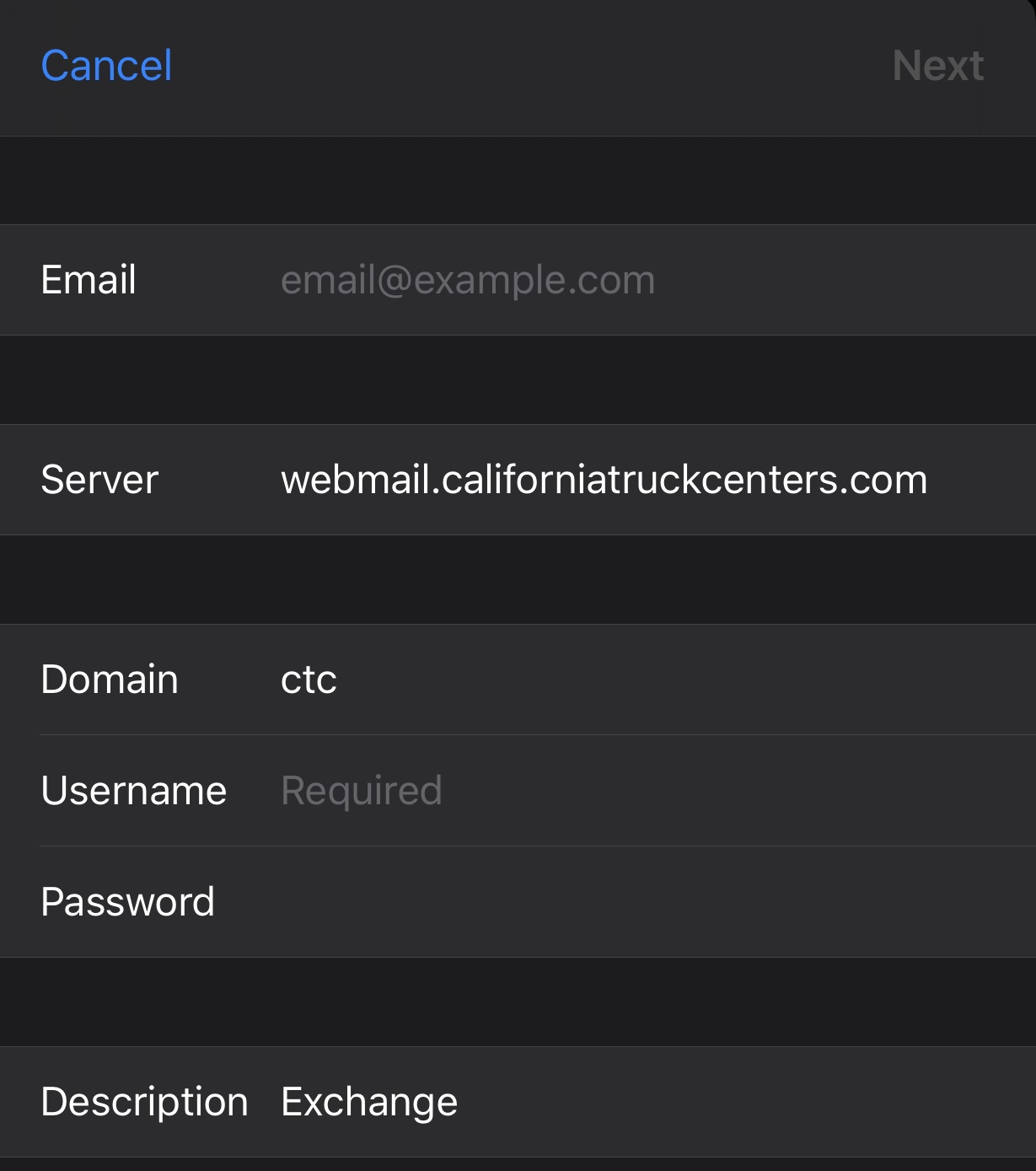
8. Enter:
- Email: your address (if not carried over from the last screen)
- Server: Webmail.californiatruckcenters.com
- Domain: CTC
- Username: Your windows username
- Password: your windows password (if not carried over from the last section)
9. Select what you want to sync (Mail, Calendar, Contacts, Reminders).
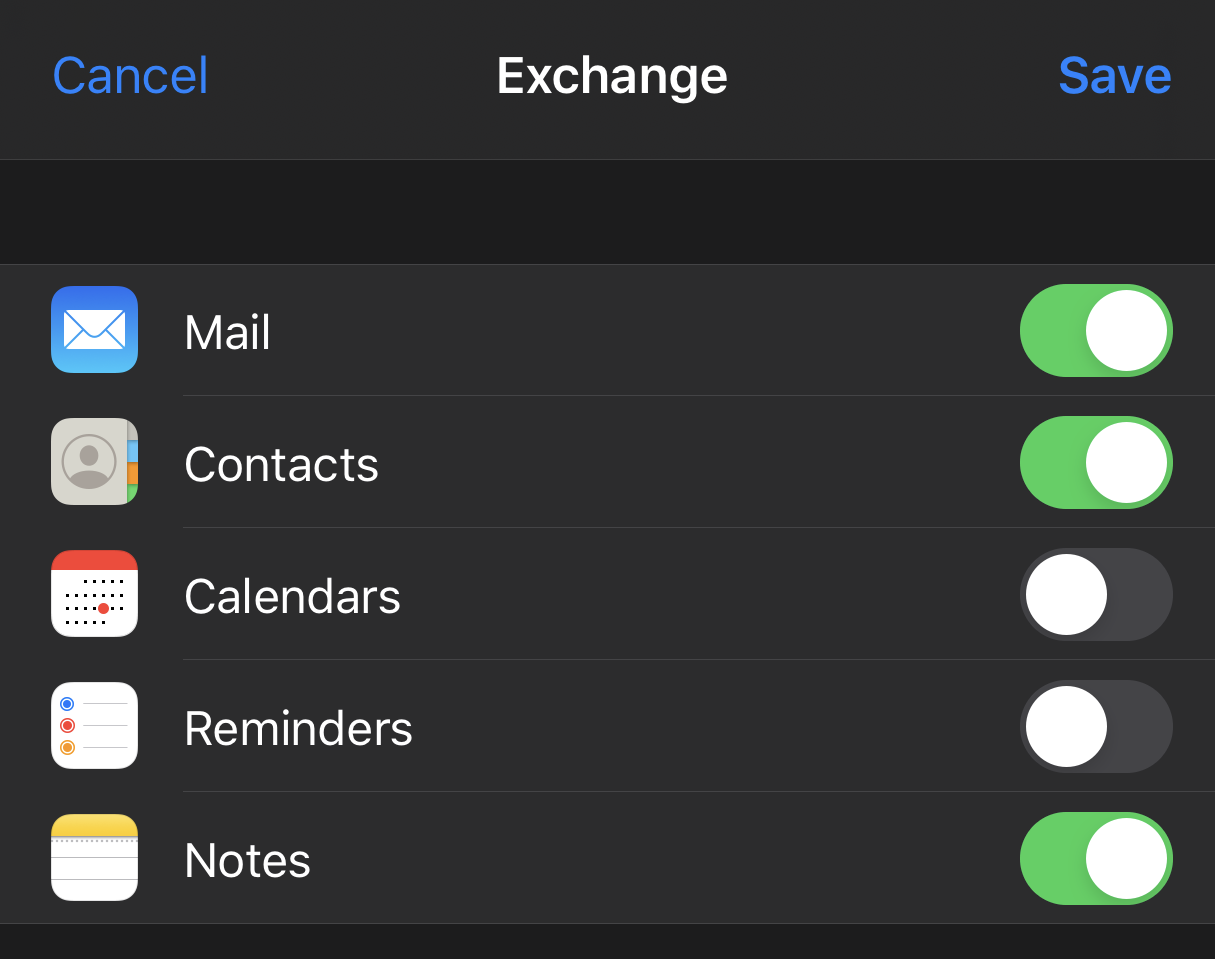
10. Tap Save.
11. Open the Mail and your email will begin to download to your phone. you can browse your email as it comes in; some older emails may take some time.
Comments
0 comments
Please sign in to leave a comment.