
This article will show you how to set up Outlook on your Android device.
1. Download Outlook from the Play Store if you have not done so already.
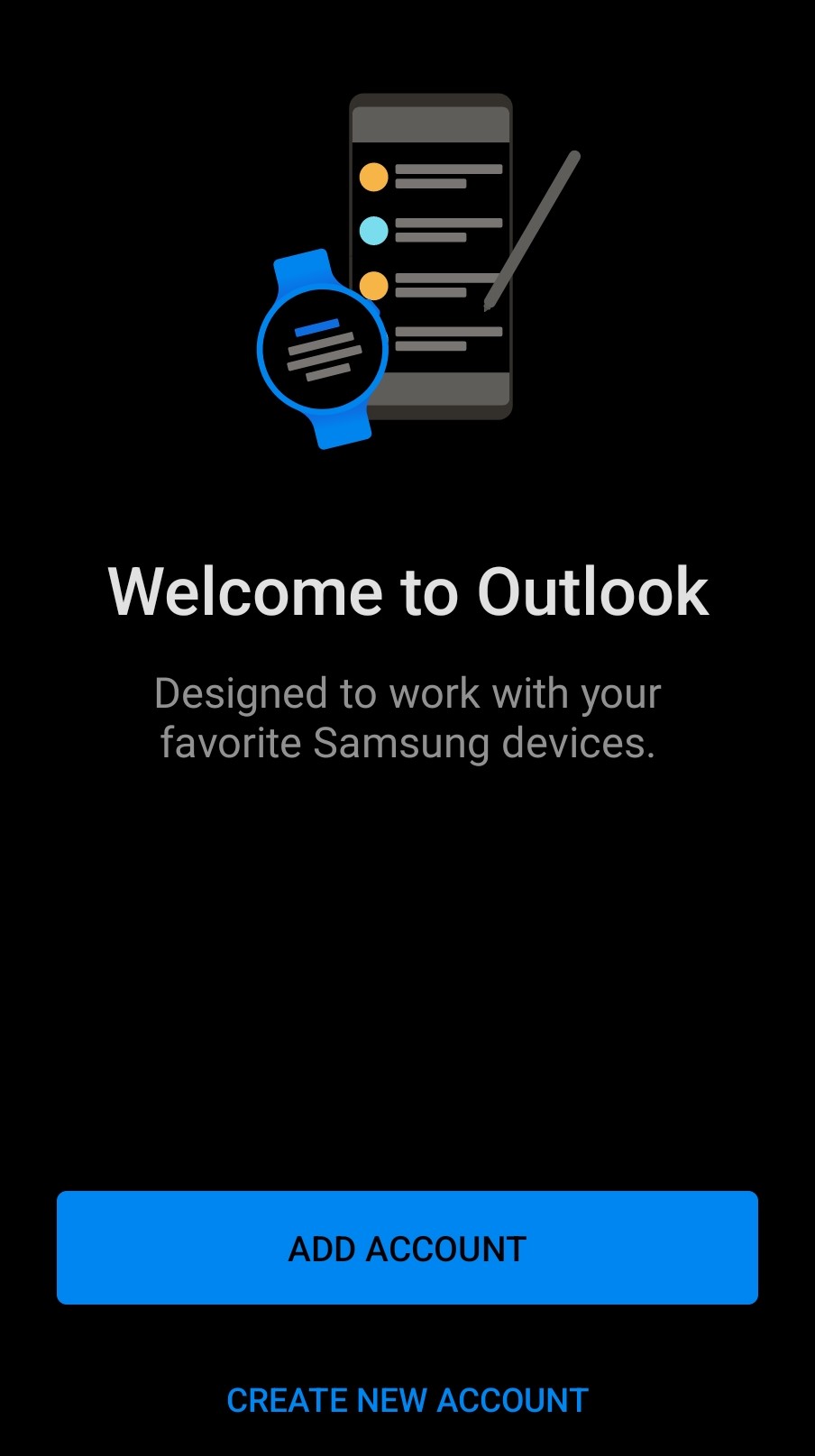
2. Tap on the Outlook app. When it opens tap 'ADD ACCOUNT'.
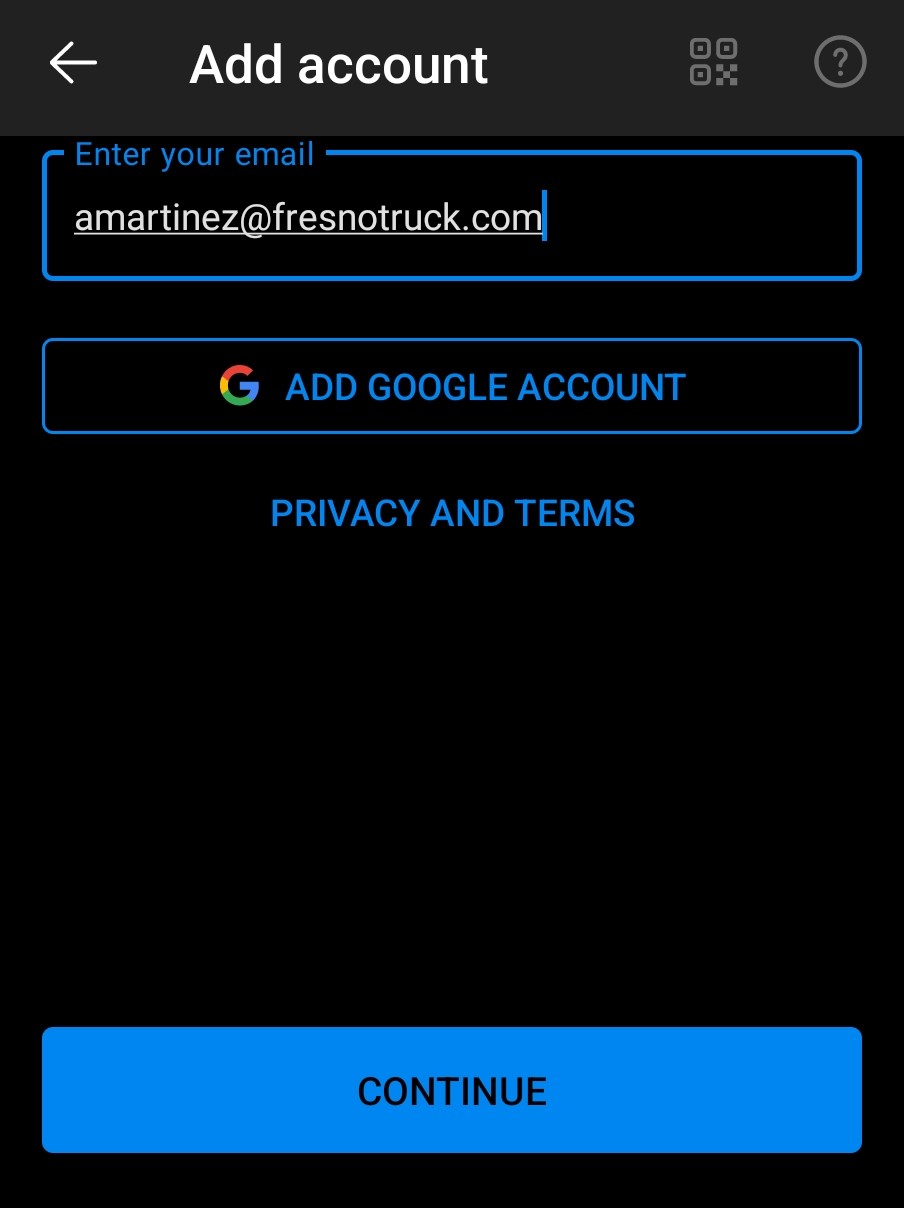
3. Enter your email address then tap 'Continue'.
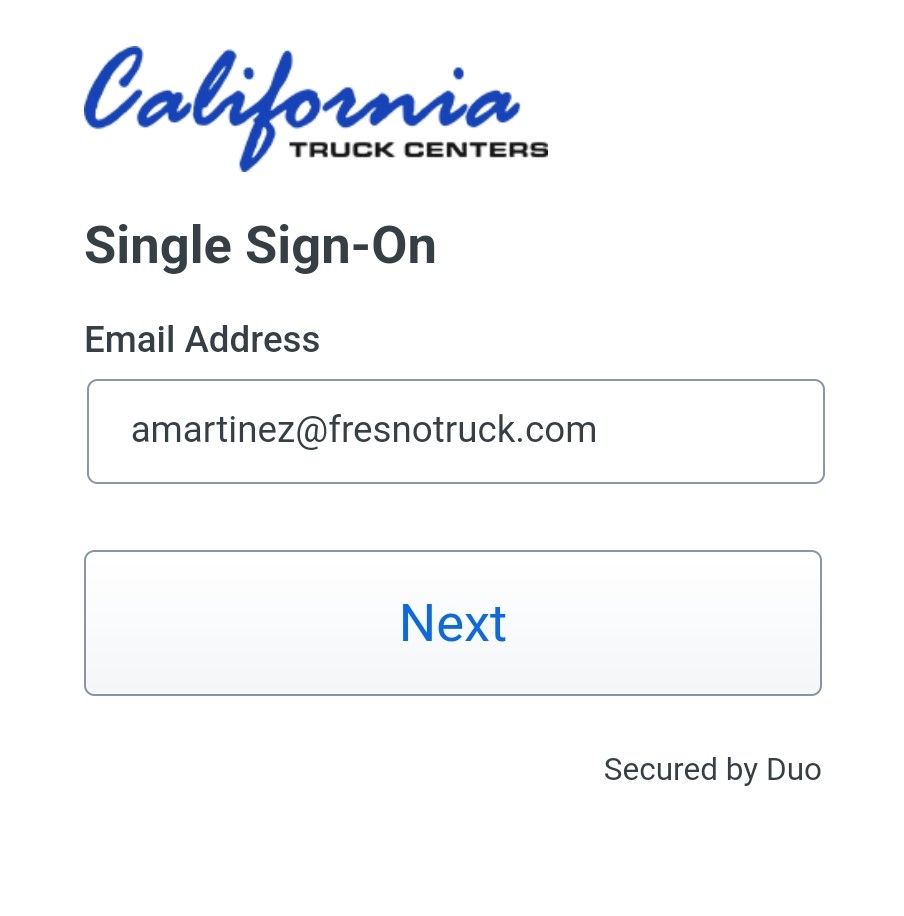
4. You will need to authenticate to continue; Enter your email address.
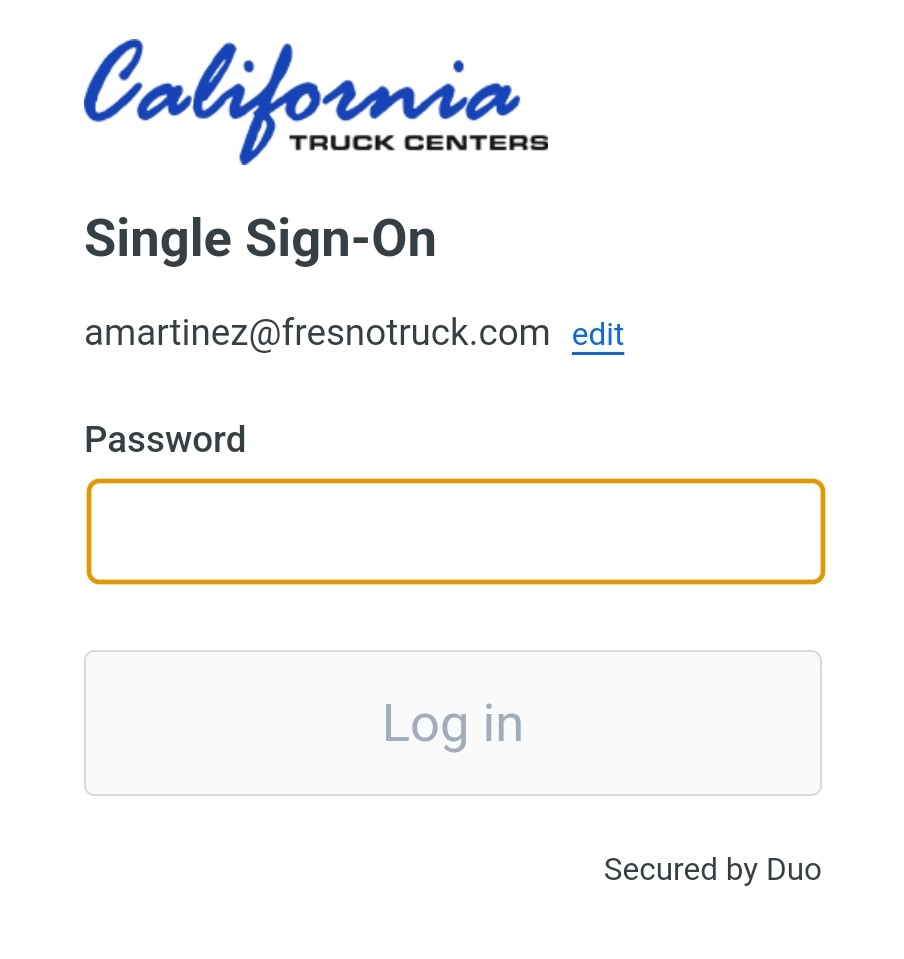
5. Enter your email password. If you are not sure what it is, it is also the same one you use to log into your computer.
6. If you use Duo Mobile it will ask for a push as below. Click Approve.
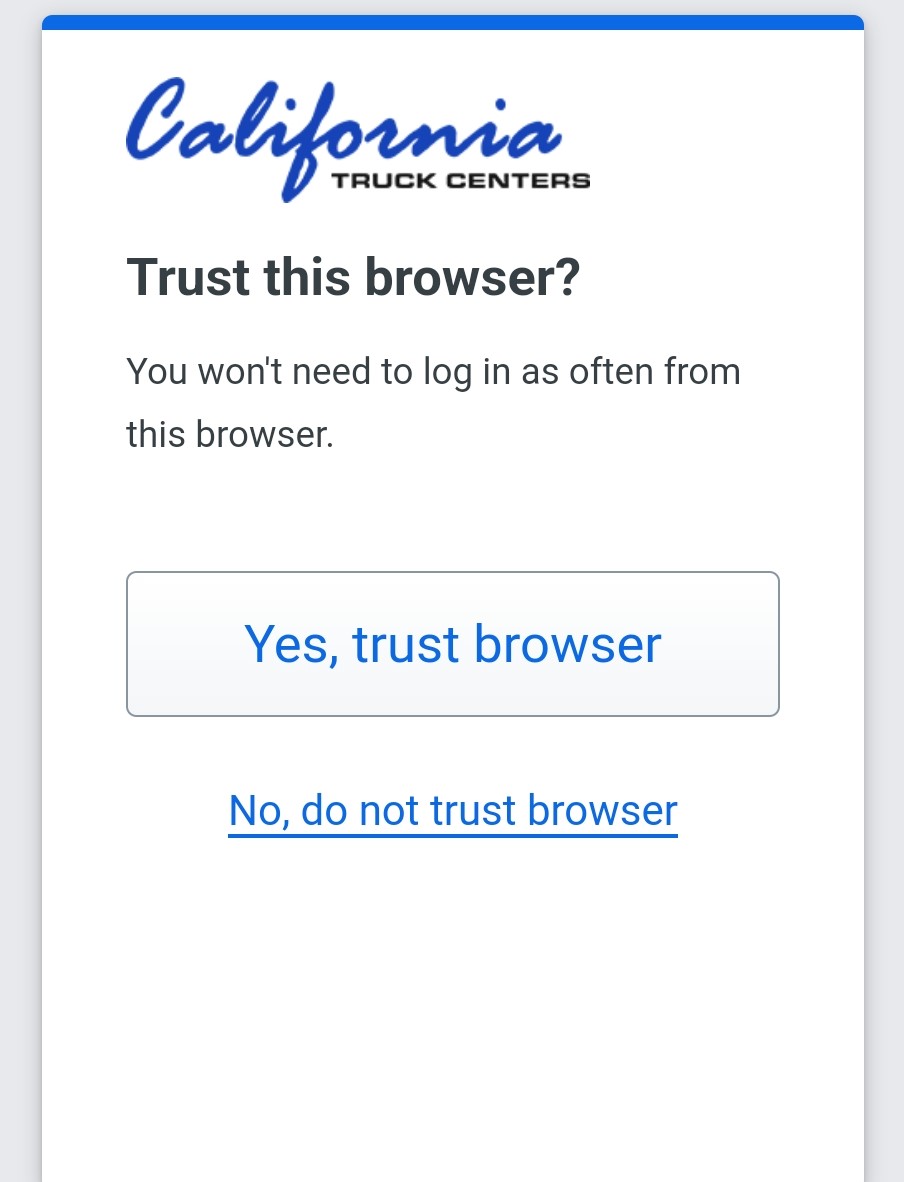
7. Click 'Yes, Trust Browser'.
Your Outlook should now be set up and will open to the inbox.
Comments
0 comments
Please sign in to leave a comment.